Find the best spot in your home for video calls
Stop getting "you're breaking up" on Zoom.
The problem
You're on a video call and your connection drops. You don't know if moving to another room would help or which spots in your home have the strongest signal.
How Pinpoint helps
Walk around with your Mac, capture signal strength in each room, and see which locations can handle video calls.
Activity indicators show what your connection supports at each spot:
- Video Calls: Strong signal for smooth, uninterrupted calls
- Streaming: Good for video streaming, but calls may struggle
- Browsing: Basic web access, but streaming will buffer
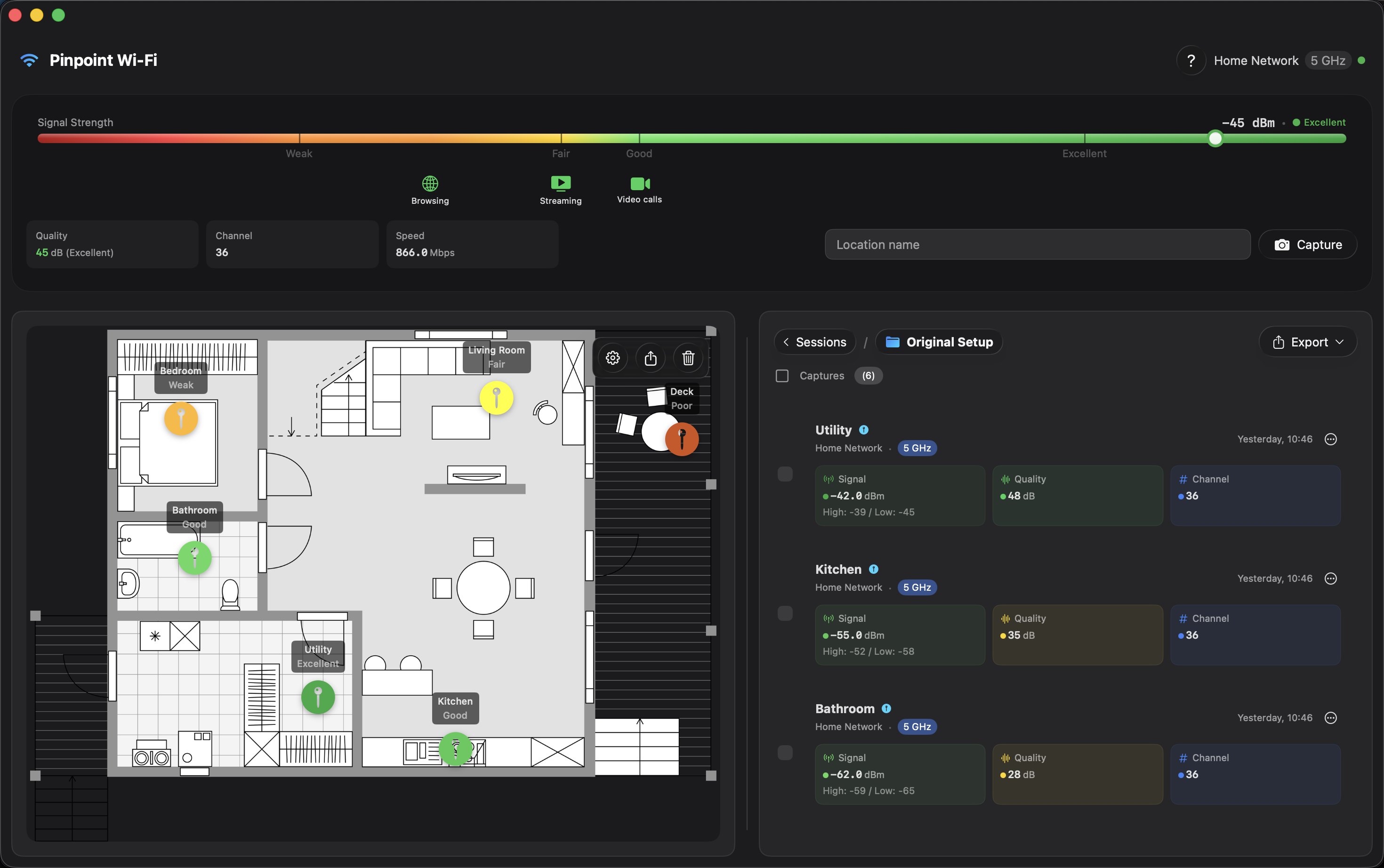
Upload a floor plan, mark each room, and see which spots work for your home office or which rooms need better coverage.